











Betting from a phone is common in Tanzania, and the Helabet app is designed for that routine. It can keep a session available between visits and refresh current information without reloading a full browser page each time. On a slow or metered connection, using a focused mobile interface may also reduce unnecessary page loading.
This page explains where to get the installation file, how to set it up on Android, what iPhone owners can realistically expect, and what to check when an installation stops halfway. Betting is for adults only, 18+.
What the Helabet app is
It is the bookmaker's mobile client for smartphones and tablets. The same account can be used on the phone and desktop, so your balance, bet history, open bets and verification status remain connected when you sign in on another device. A separate mobile registration is not needed.
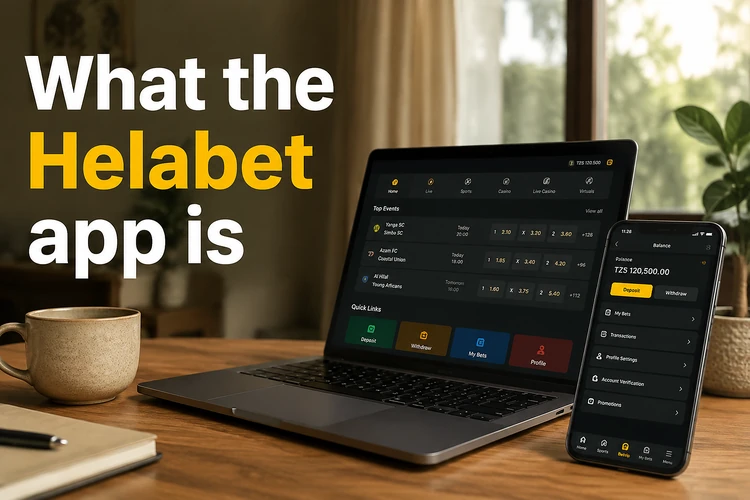
The Android build is distributed as an installation file from the official website rather than through Google Play. That means Android shows an additional security prompt during setup. Treat files from unrelated download pages, messaging groups or file-sharing services as untrusted, even if they use a familiar icon.
Features inside the app
Pre-match and live betting sit side by side, with football, basketball, tennis, cricket and volleyball among the available sports. In live mode, odds can refresh on the screen without a manual reload. Some events also show statistics or a match tracker. Multiples and system bets can be prepared from the same betting slip.
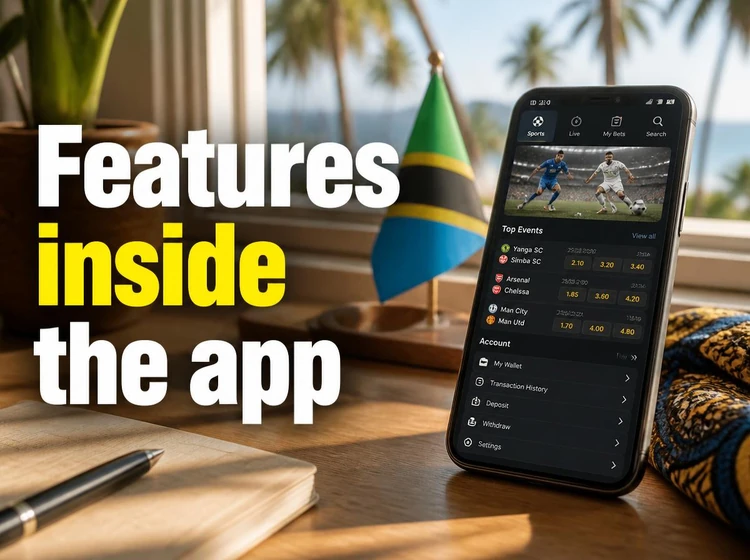
The same app may provide access to the casino area, live dealer tables and crash-style titles such as Aviator. Deposits, withdrawal requests and transaction history are handled in the cashier. Available payment options can depend on the account and current local coverage.
- Live betting: odds that update in place, with cash-out only where it is offered for an eligible selection.
- Bet history: settled and open bets with the stake, odds and payout shown together.
- Notifications: alerts for account activity and selected betting events when enabled on the device.
- Cashier: deposits and withdrawal requests without leaving the app.
How to download the Helabet app
Open the official website on your phone and go to the mobile applications section. Use the download option intended for your device and check that the file begins from the official page before opening it. If your data bundle is limited, Wi-Fi is preferable because an interrupted download can create an incomplete installer.
Before downloading, check that the phone has enough free storage for both the installer and the unpacked application. Around 150 MB is a sensible working margin, although the exact requirement can change with the build. Remove the installer after setup if storage is tight.
Android: APK, permissions and first launch
Android blocks applications from outside Google Play by default. On Android 8 and newer, the permission is normally requested when you open the file. The system identifies the browser or file manager that started the installation and lets you allow installations from that source.
After the installation finishes, open the shortcut from the home screen or app list. Sign in with the phone number or email connected to your account. If you have not registered before, follow the registration form in the application and use accurate account details for later verification.
Installing the APK step by step
The process normally takes only a few minutes when the file is complete and the phone has sufficient space.
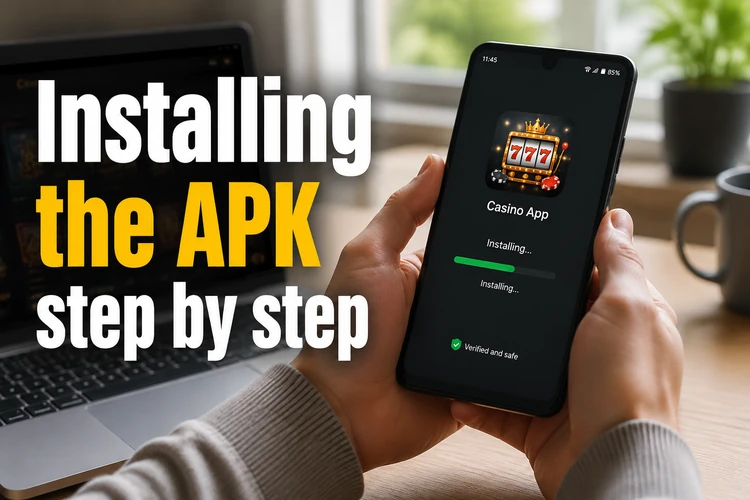
- Step 1: Download the file from the official website and wait until the download notification confirms completion.
- Step 2: Tap the file in the notification panel or open it from the Downloads folder.
- Step 3: Allow installation from this source when Android displays the permission request.
- Step 4: Confirm the installation and wait for Android to finish unpacking the application.
- Step 5: Open the app and log in to your account.
Using iPhone and iPad
On iOS, availability depends on what the operator publishes in the App Store for Tanzania, and listings can change. Check the store for your region first. If no official listing appears, use the mobile version of the website in Safari instead of installing a profile or file from an unknown link.
The mobile site provides access to the sportsbook, cashier and account tools through the browser. In Safari, use the share button and choose the option to add the page to your home screen. This creates a convenient shortcut without changing the phone's security settings.
Updating and fixing errors
The application may check for a newer build when it opens and display an update prompt. Since the Android file was not installed through Google Play, updates may require downloading the current file from the official applications page and installing it over the existing version. Do not uninstall first unless support specifically asks you to; removing the app can clear local session data.
A download that stops early can produce a parse or damaged-file error, so delete the incomplete file and download it again. An incompatible-version message usually points to an older Android release or a build that does not support the device. Check the phone's system version and the space available before trying a second installation.
If the app opens but markets do not load, test the connection by switching between mobile data and Wi-Fi. Also check whether a data-saving mode, VPN or battery restriction is blocking background traffic. For a persistent problem, contact the support channels listed here and include the device model, Android version and exact error text. Never send your password in a support message.
FAQ
Yes. The installation file itself is free, although downloading and using it consumes mobile data. Wi-Fi can avoid data charges from the download, but any betting, payment or account activity should still be checked for its own terms and costs.
No. The existing account can be used on the app and website, with the same balance, bet history and verification status. If you do not have an account, follow the registration process inside the app and provide details that match your identity documents if verification is requested.
Android displays that warning for applications installed outside Google Play. Allow the permission only for the browser or file manager you used to obtain the file, and only when the file came from the official website. Disable the permission again after installation if you do not need it.
Availability depends on the current App Store listing for Tanzania. Check your regional store. If there is no official listing, open the mobile website in Safari and add it to the home screen rather than using an unknown configuration profile or download link.
Accept the update prompt when it appears, or download the latest installation file from the official applications page and install it over the existing version. Keeping the old installation in place normally preserves the local session, but you may need to sign in again after an update.
Download the file again, confirm that the phone has enough free storage, and check that its Android version supports the current build. Also make sure installation permission is enabled for the source you used. If the error continues, contact support with the device model and exact message shown.